
Use a diagram when order or state matters
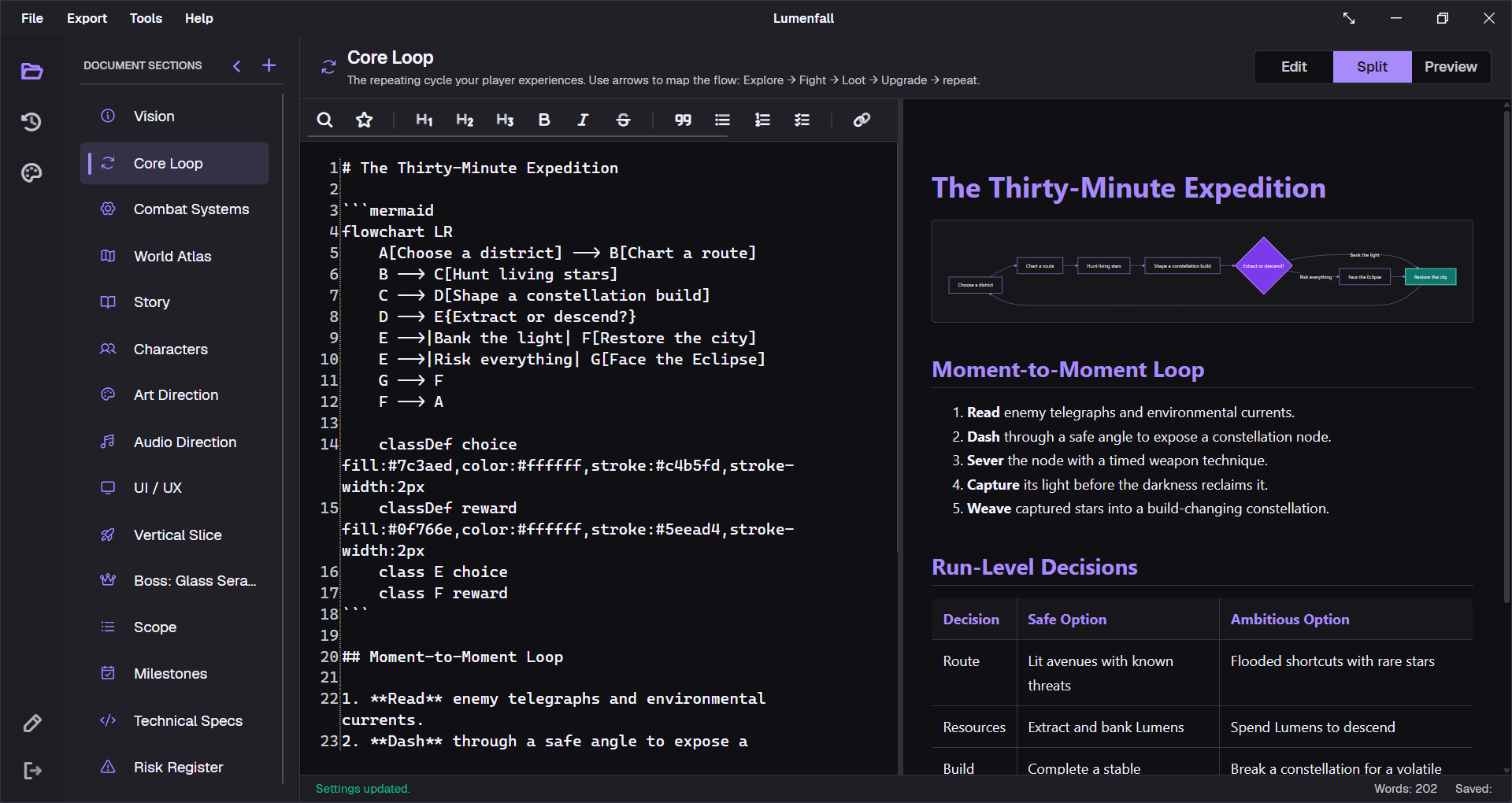
A diagram earns its place when it exposes a relationship that is hard to scan in prose. Core loops show feedback. Quest graphs expose unreachable branches. State machines make transition rules reviewable. A diagram should answer a question, not decorate the document.
stateDiagram-v2
    [*] --> Patrol
    Patrol --> Suspicious: hears noise
    Suspicious --> Chase: sees player
    Suspicious --> Patrol: timer expires
    Chase --> Search: loses sight
    Search --> Patrol: search ends
Keep the source close to the rule
Mermaid is plain text inside a fenced Markdown block. That makes the diagram searchable, easy to edit, and friendly to version control. Designers can change a transition without opening a separate drawing application or managing an exported image.
Write labels for the reviewer
Name states and arrows with language used in the game. If a transition depends on a threshold, flag, timer, or resource, put that condition on the arrow. The diagram then becomes a compact review surface for design and engineering.
Preview and export the same logic
GDDKit renders Mermaid in Preview and Split modes. The diagram is also rendered for PDF export, so the reviewed document and the working source describe the same flow. Version 2.0.1 includes reliability fixes for Mermaid PDF rendering on Linux and macOS.
Good diagram rule: when a graph becomes too dense to explain in a short review, split it into an overview and one detailed graph per subsystem.
Start with a working example
The free game design document template includes a core loop diagram. The boss template and quest template include state and branch examples that open directly in GDDKit.