
What belongs in a useful GDD?
A game design document should help someone make a decision or build the next piece of the game. It does not need to predict every detail. It does need to explain the player experience, the rules that create it, the project boundary, and the evidence that will prove an idea works.
This template starts with seven working sections. Each section contains prompts, tables, and examples that can be replaced as the project becomes clearer. The downloaded file opens directly in GDDKit 2.0.1.
Write the player promise first
Before listing features, describe what the player should repeatedly feel and do. A clear promise lets design, art, audio, and engineering judge whether an idea belongs in the project.
A useful test: if a proposed feature does not strengthen the player promise or solve a known production problem, it should not enter the must-ship scope.
Document the loop as decisions
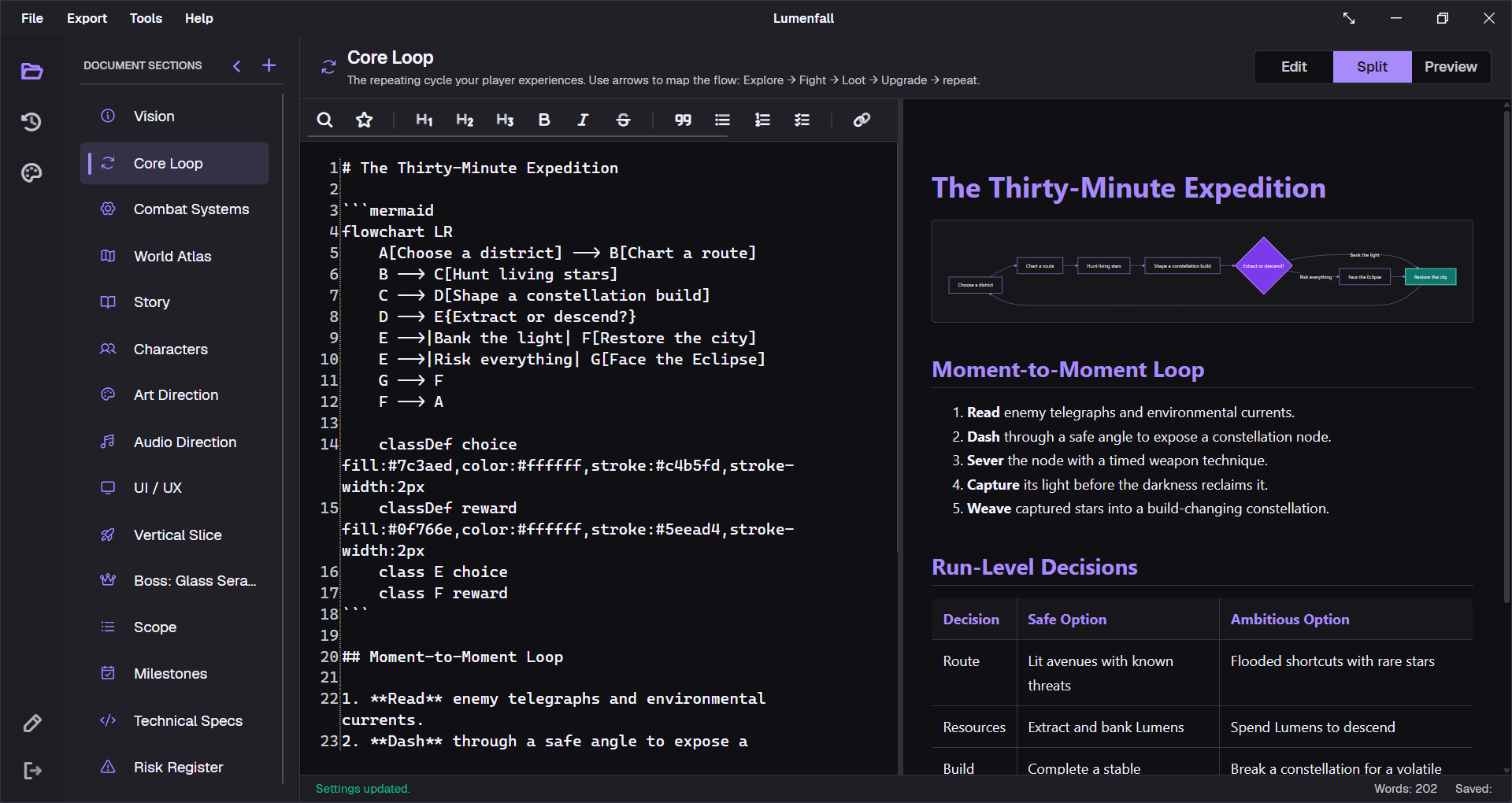
A core loop is more useful when it shows what the player observes, chooses, spends, and learns. The included Mermaid diagram gives the team a shared map that can change with the text.
flowchart LR
    Observe --> Plan
    Plan --> Act
    Act --> Resolve
    Resolve --> Learn
    Learn --> Observe
Separate session and long-term loops
The moment-to-moment loop explains seconds of play. The session loop explains how a run or level starts and ends. The long-term loop explains what makes the next session meaningfully different. Keeping them separate exposes missing progression and weak stopping points.
Make scope measurable
Replace feature wish lists with counts, owners, exit criteria, and cut dates. The template includes must-ship, nice-to-have, and out-of-scope lists plus a small content budget. These are simple constraints, but they turn scope into something the team can review.
How to use the template
- Download the `.gddkit` file and open it in GDDKit.
- Replace the example pitch and player promise before editing detailed mechanics.
- Draw the current core loop, including the result the player reads after each action.
- Write rules as testable statements, then link them to a prototype or playtest question.
- Set a must-ship scope and milestone exit criteria before adding optional content.
- Add a changelog entry whenever a decision changes and record the reason.
Choose a focused design template
If the main GDD is already established, use a smaller document for a system that needs deeper detail:
- Boss design document template for attacks, tells, phases, balance, and playtests.
- Quest design document template for objectives, state flow, branches, dialogue, and QA.
- Weapon design document template for combat role, timing, tuning, feedback, and edge cases.