
1. State the player promise
Begin with one sentence that identifies the player, their goal, the main obstacle, and the distinct source of agency. Follow it with three design pillars. A pillar should help the team accept, revise, or reject an idea.
Weak: Deep combat.
Useful: Every enemy attack has a readable tell and at least one reliable response that rewards timing or positioning.
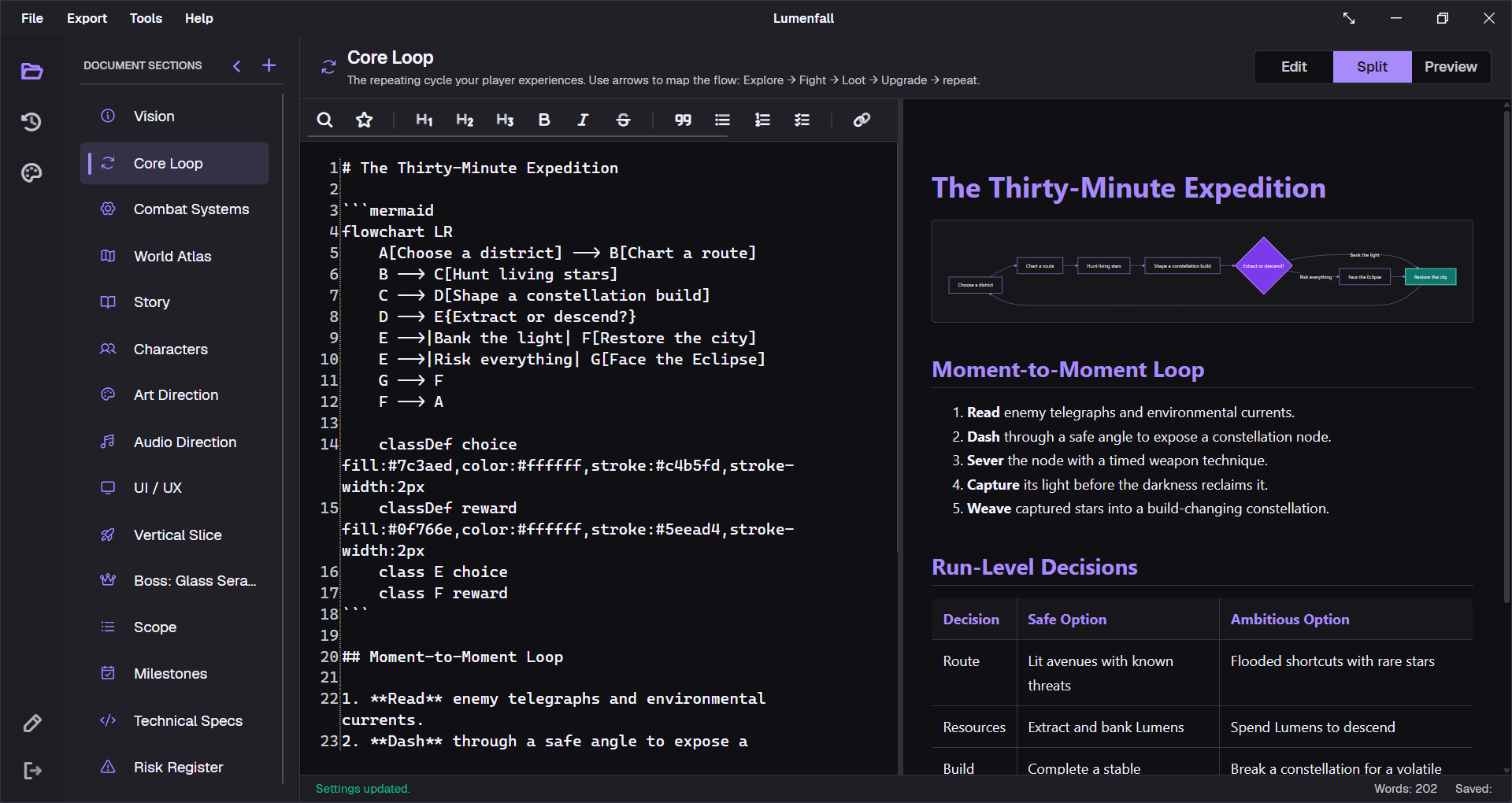
2. Draw the core loop
Describe what the player observes, chooses, spends, receives, and learns. Then separate the moment-to-moment loop from the session and long-term loops. This exposes progression systems that reward time without changing meaningful decisions.
Use a small flowchart when sequence and feedback are easier to review visually. The Mermaid diagrams guide includes a state-machine example.
3. Write rules that can be tested
For every major system, document inputs, state, rules, outputs, edge cases, feedback, and tuning variables. Replace words such as responsive, balanced, and intuitive with an observable target or a playtest question.
- Rule: a perfect dodge grants 0.4 seconds of invulnerability and restores 10 stamina.
- Risk: players may dodge into an unreadable follow-up attack.
- Test: after five attempts, can a new player identify the safe response?
4. Connect design to implementation
A GDD should identify dependencies without becoming source-code documentation. Note required animation states, UI feedback, audio events, data fields, save behavior, accessibility requirements, and platform constraints. The responsible discipline can then link to a deeper technical or asset spec.
5. Turn scope into a budget
List must-ship work, optional work, and explicit exclusions. Add counts for levels, encounters, enemies, abilities, narrative scenes, and unique assets. Assign an owner and cut date to every optional item.
The goal is not a perfect estimate. It is an agreed boundary that makes tradeoffs visible before the final months of production.
6. Define milestone exit criteria
A date says when the team will review. Exit criteria say what evidence must exist. A prototype should answer the largest design risk. A vertical slice should prove one short segment at target quality. Alpha should be playable from start to finish. Beta should lock content and focus on quality.
7. Record why a decision changed
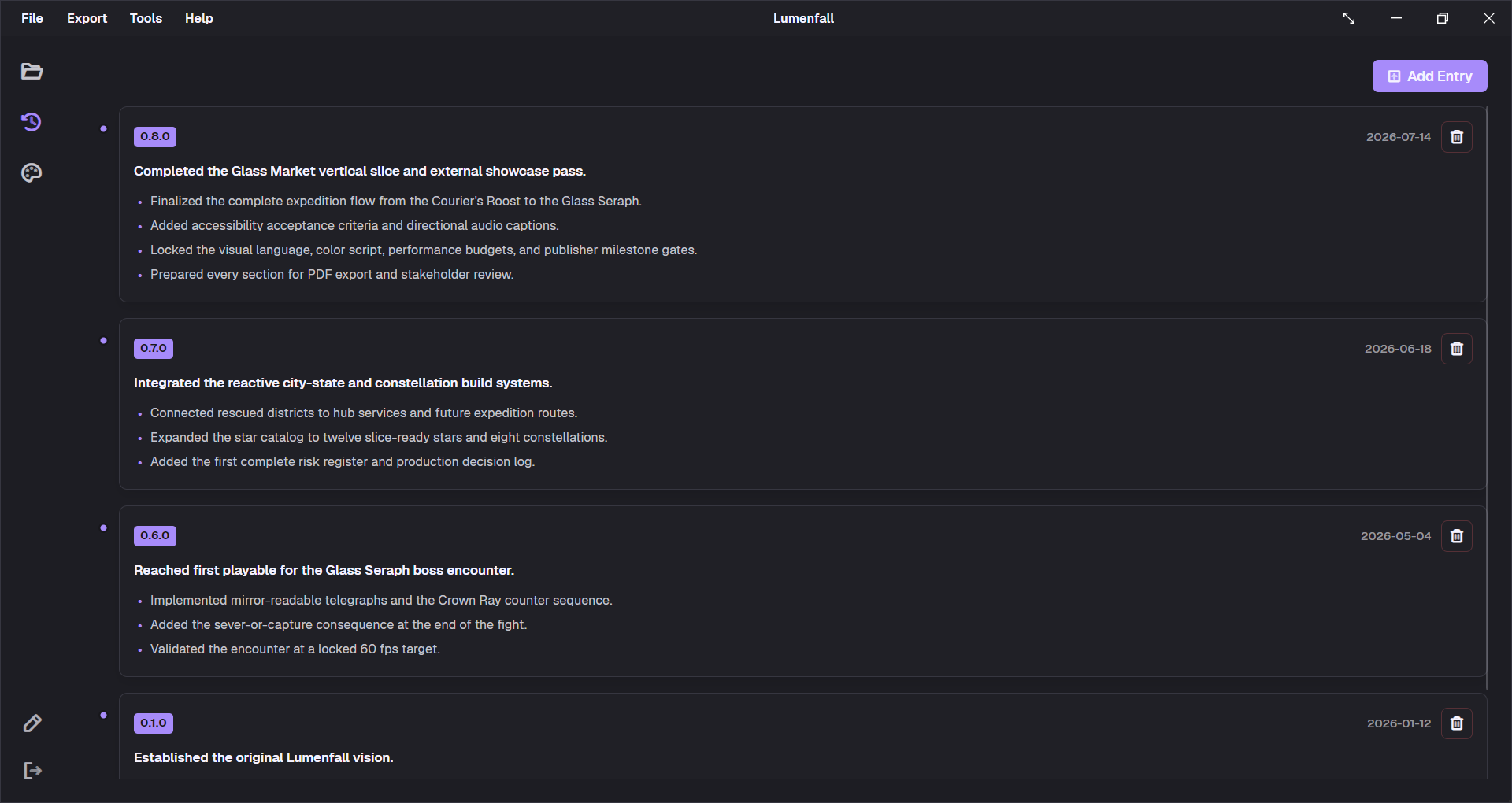
Update the GDD when a material rule, scope boundary, dependency, or target changes. Add a short changelog entry that records the old assumption, new decision, evidence, and affected sections. This keeps the document current without erasing its reasoning.
How long should the GDD be?
As short as the next production stage allows. A prototype may need a vision, core loop, mechanics, risks, and test plan. A production document can grow into focused system specs as people need them. Delete stale detail, link to specialist documents, and keep the project outline navigable.
Start with a file that already has the structure
Download the free game design document template for vision, loop, mechanics, story, scope, milestones, and technical requirements. Use the Lumenfall example to see the structure applied to a fictional production.